Lighting that follows your day
Set scenes for getting up, settling in or switching off. We configure schedules and voice-controlled lighting around the rooms you use.
Installed, grouped and labelled for straightforward control.
Smart home, made practical
Buying smart devices is the easy part. Getting the lights, heating, cameras and voice controls to work together in a way everyone can use takes a plan. Carstairs Nexus Ltd. designs, installs and supports home automation around your household's routines.
Built for daily life.
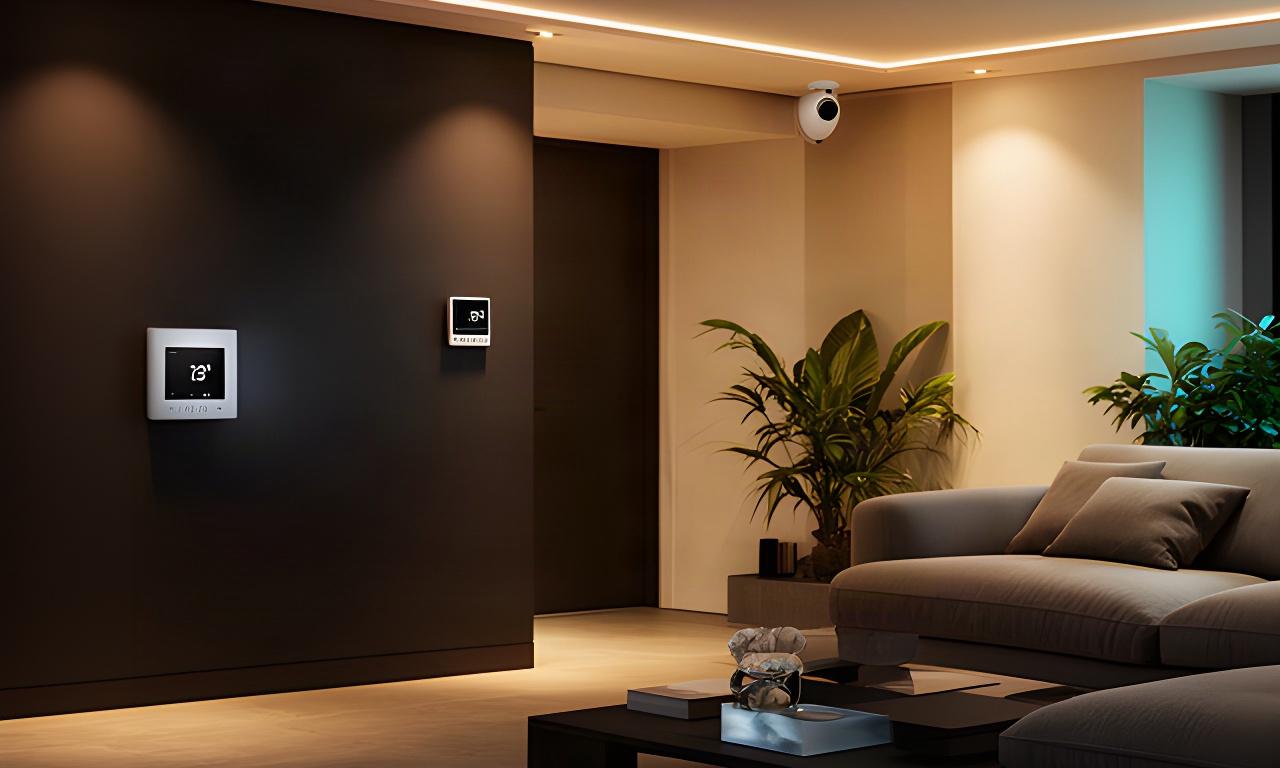
Choose a room to see the systems we can plan around it.
One considered setup
We check what you already own, how your home is wired and where the broadband reaches before recommending equipment. Good controls feel obvious.
Set scenes for getting up, settling in or switching off. We configure schedules and voice-controlled lighting around the rooms you use.
Installed, grouped and labelled for straightforward control.
Use a smart thermostat to set clear schedules, with room-by-room zones where the system and property allow it.
We check your heating controls before specifying a replacement.
Choose camera positions, recording options and doorbell alerts that suit the entrance and driveway you need to cover.
Privacy, storage and notification settings are explained during setup.
We configure compatible voice assistants with simple names and commands for the devices in your home.
Existing assistants are considered first.
Coordinate compatible heating, ventilation and climate controls to support comfortable rooms and sensible damp management.
We explain what should stay automatic and what is better left manual.
Made for real households
A useful setup gives each person a clear way to use it. We plan access and routines with the people who live there.
Keep shared lighting and heating controls clear, with guest access set up where the system supports it.
A morning routine can bring on the hall lights and set the heating schedule without asking each person to manage separate apps.
Use accessible controls, readable labels and voice operation where it makes everyday tasks easier.
A clearly named bedside control can switch off selected lights without navigating a crowded screen.
Set dependable schedules and lighting for work areas, calls and the change back to home time.
A workday scene can set a suitable light level, while the thermostat follows the hours you are actually in.
Agree permissions, document the equipment and choose options that suit the tenancy and the property.
Where a system allows it, we can plan a removable device setup and leave clear notes for handover.
Security with sensible settings
Good placement matters as much as the camera itself. We plan coverage around your entrances and parking while taking neighbouring properties into account.
Coverage is planned for your property, with camera angles checked against privacy boundaries.
We explain local and cloud recording choices, where footage is stored and how long it is retained. Camera positions are agreed on site.
We check the doorbell position, chime placement and Wi-Fi reach, then set app notifications so useful visits are easier to spot.
We review visibility after dark and adjust motion zones and alert timing to reduce repeated notifications from passing activity.
A clear plan before fitting
Home automation in Falkirk should start with your property, not a box of devices. Each step sets up the next.
We discuss daily habits, existing devices, wiring, broadband strength and likely equipment positions.
Your proposal sets out the recommended equipment, configuration work and expected timescales before you decide.
We handle agreed mounting and wiring, commission each device and walk the household through the controls.
Ask us about routine changes, app updates or adding compatible equipment later on.
Simple to use, easy to live with
We keep controls to a small set of understandable actions and explain what happens when a device or connection needs attention. Keep the fallback simple.
We explain the limits of each system before installation, so you know what depends on Wi-Fi, an app or a working internet connection.
Some cloud features may pause. We identify which local switches and controls remain available for your chosen equipment.
We can help you work through account access and reconnect compatible devices after a handset change.
Check compatibility with us first. We can advise whether it will fit the system and configure it if you go ahead.
Start with what you have
Arrange a home visit to talk through routines, wiring, broadband and the devices already in place. We will assess what can stay and recommend changes only where they make practical sense.
Bring your questions. We'll take it room by room.